
Add a video
Unit 1
By the end of this lesson, you should be able to:
Explain what music technology means.
Identify several technologies used to create modern music.
Explain what a DAW is.
Recognize the basic difference between audio and MIDI.
Understand why project and file organization matter.
Open Logic Pro 12 and begin a new project.
Our primary software throughout this course will be Logic Pro 12.
Logic is a type of software called a:
DAW — Digital Audio Workstation
A DAW allows musicians to:
Record audio
Create music with virtual instruments
Work with MIDI
Edit performances
Arrange musical ideas
Add effects
Mix multiple tracks
Export finished music
Logic will act as our digital music workspace throughout
the course.
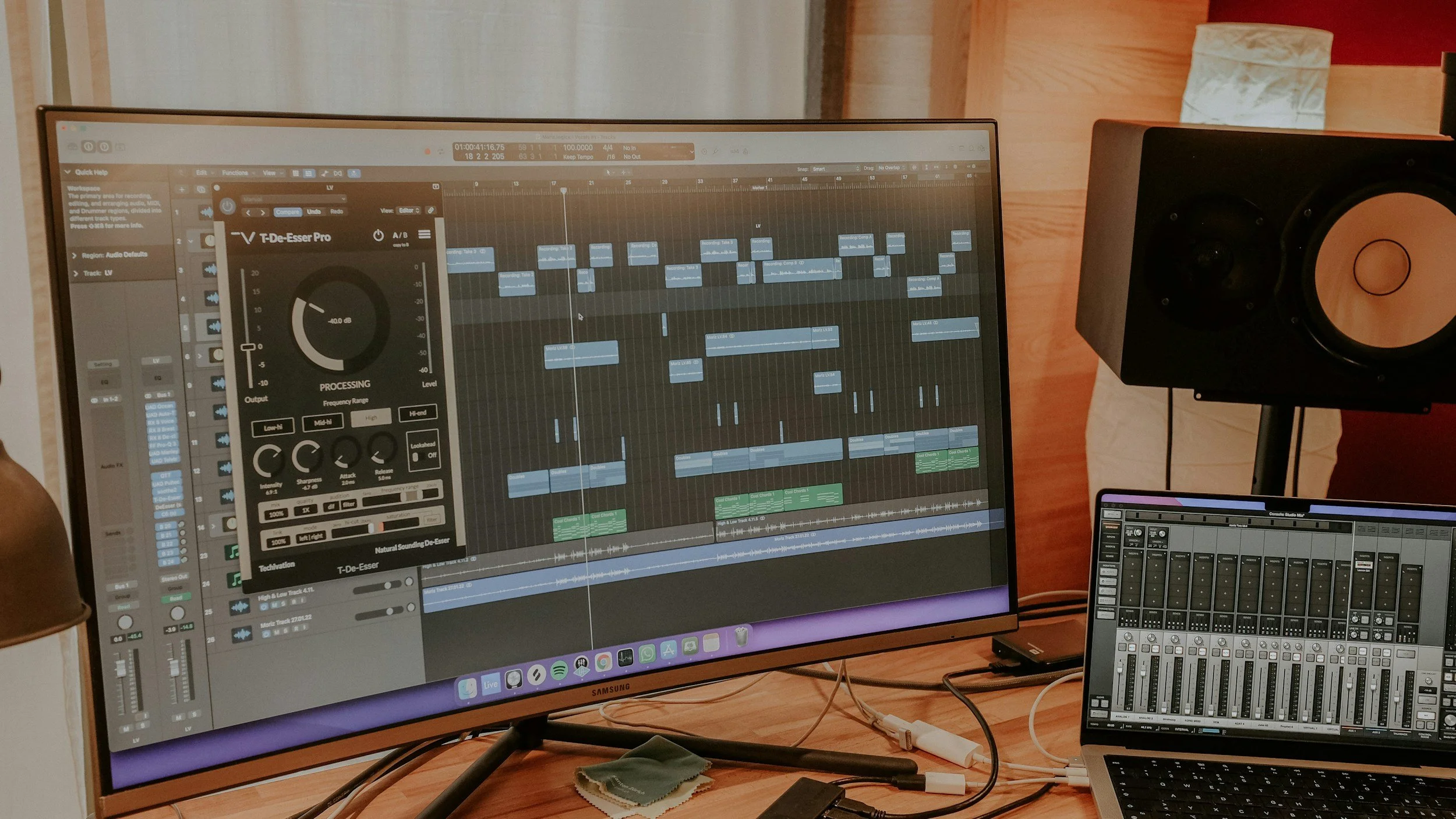
Logic Pro 12 will be our primary Digital Audio Workstation throughout this course.
Two terms you will hear constantly in music technology are Audio and MIDI.
Audio is recorded sound.
Examples include:
A recorded voice
Acoustic guitar recorded through a microphone
Electric guitar recorded through an audio interface
A drum performance recorded with microphones
A sound effect
An imported MP3 or WAV file
When you record audio, the computer is capturing the actual sound.
MIDI is different.
MIDI does not record the actual sound.
Instead, MIDI stores information about a musical performance, such as:
Which note was played
When the note was played
How long the note lasted
How hard the note was played
When the note stopped
That information can then control a software instrument.
For example:
MIDI Keyboard → Logic Pro → Virtual Piano → Piano Sound
The keyboard is sending performance information. Logic and the software instrument are creating the sound.
We will explore MIDI in much greater detail later in the course.
You will absolutely create music in this course.
But learning music technology also means learning how to:
Create
Develop musical ideas using digital tools.
Record
Capture musical performances and sounds.
Edit
Correct, rearrange, or manipulate musical material.
Organize
Keep projects, tracks, and files easy to understand.
Listen
Recognize what is happening inside a recording.
Problem-Solve
Figure out why something isn't working—and how to fix it.
These skills will appear throughout every unit in the course.
Before opening Logic, complete the short interactive activity below.
This will check your understanding of:
Music technology
DAWs
Audio
MIDI
Software instruments
File organization
When finished, return to this page and continue with the Studio Activity.
Now you'll begin working with the technology.
Locate Logic Pro on your classroom iMac and open the application.
Create a new, empty Logic project.
Don't worry about understanding every option you see yet.
We'll learn the interface gradually.
Without changing too much, look around the screen.
See if you can locate:
The main timeline
Play button
Stop button
Record button
Track area
Playhead
You are not expected to know everything yet.
The goal is simply to begin becoming familiar with the workspace.
Save the project using the class naming format provided by your teacher.
Example:
LastName_FirstName_Unit1
Make sure you know where the project is being saved.
Ask yourself:
What is one piece of music technology you already use outside of this course?
It could be:
GarageBand
Spotify
A MIDI keyboard
A microphone
Guitar effects
A DJ controller
Music notation software
A recording app
An audio interface
Music-production software
Technology doesn't have to be complicated to be part of making or experiencing music.
Our downloads have everything you need to supplement this course.
1.2 — The iMac & Logic Pro Workspace
Next, we'll take a closer look at the classroom workstation and learn how to navigate the most important areas of Logic Pro 12.